A mess of 'standards' - Copying Files to MicroSD Cards Faster
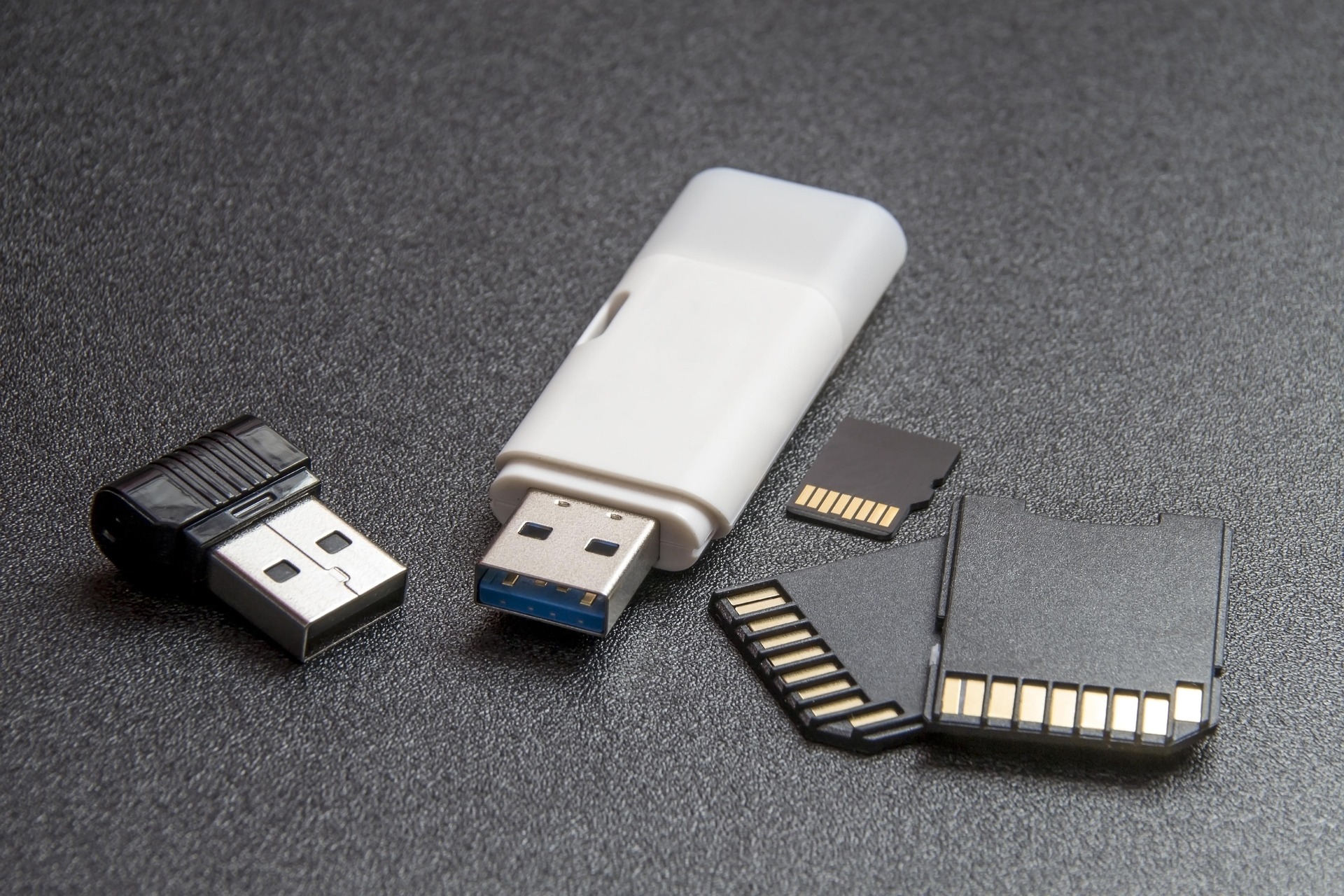
I’ve been doing tech for… quite a while now, but it’s important to be humble and admit when the simple things catch you out. Today, a simple task of copying files to a MicroSD taught me to pay attention to the details. All I was doing was copying some video files back onto a MicroSD card, from my Linux workstation. It’s an exfat file-system, so -a spews errors with rsync;
rsync -hvrltD --modify-window 2 /jwrFs/Local/... /mnt/
The copy was going just fine, but looking at the speeds it was averaging 30 MB/s. I was copying 53Gb of video, so it was going to take approx 25 minutes. Not horrible, but not great either. The thing is that I specifically bought “higher speed” MicroSD cards because the previous SD cards I had were writing at around 5 MB/s, which is just painful.
MicroSD card naming conventions, and listed “standards” are just about the worst mess of any tech standard - almost as bad as USB labelling (USB 3.2 Gen 2, anyone?). However, the important fact was “V30” - a standard that says the card can write at 30 MB/s minimum. At first glance, I thought “great, so I’m getting the expected speed”. However, after a bit of thinking, unlike just about every other speed specification that isn’t stating the maximum - but it’s stating the minimum… so what is the maximum write speed then? Well, apparently these cards can often do 60-90 MB/s writes, even on a V30 card!
Let’s go look at that other “standard” - USB, and how it’s connected with lsusb -t;
  /:  Bus 001.Port 001: Dev 001, Class=root_hub, Driver=xhci_hcd/16p, 480M
    |__ Port 007: Dev 059, If 0, Class=Hub, Driver=hub/4p, 480M
        |__ Port 002: Dev 060, If 0, Class=Hub, Driver=hub/4p, 480M
            |__ Port 003: Dev 061, If 0, Class=Human Interface Device, Driver=usbhid, 1.5M
            |__ Port 004: Dev 062, If 0, Class=Hub, Driver=hub/4p, 480M
            |__ Port 001: Dev 070, If 0, Class=Mass Storage, Driver=usb-storage, 480M
Oh wow, we’re connected with USB 2.0 (480M)! That caps out at 30M/s. Wait, that’s a bit of a weird coincidence, right? The card is rated for 30 MB/s minimum, and the USB 2.0 bus tops out at 30 MB/s. So no matter how fast the card is, the bus is the bottleneck here, not the card.
- The first line is the root hub, which is USB 2.0 - admittedly a black USB port on the back of the motherboard.
- The second line is a KVM Switch, which I didn’t realise was USB 2.0 only.
- The third line is the USB hub in my keyboard, which is a “blue USB 3.0” port, but it’s negotiating down to USB 2.0 speeds because the KVM is only USB 2.0 (and so is the port on my motherboard).
- The fourth line is the actual MicroSD card reader, which is chugging along, maxing out that 480 MB/s write speed via USB 2.0.
Luckily, my motherboard was made within the last century, and I’d just made the mistake of using a USB hub on my keyboard, connected to a slow port. I popped the USB MicroSD card reader into the following port, and we’ve immediately jumped up to USB 3.2 Gen 1 speeds (5Gb/s):
/: Bus 002.Port 001: Dev 001, Class=root_hub, Driver=xhci_hcd/8p, 5000M
That same V30 MicroSD card is now writing at 90 MB/s, and the entire 53GB of video copied over in about 12 minutes. A much more acceptable speed.
The moral of the story, isn’t really about the horrible mess of USB and MicroSD “standards” (although it’s good to do so), the moral of the story is to be humble, and make blog posts admitting something caught you out, because we all get caught out by the simple things sometimes. Even after quite a bit of experience, I still learn new things every day.
 James is a "full stack" Open Source enthusiast, who enjoys creating no-nonsense open source software.